
Tutorials
BIT vs BIN vs MCS: Which File Should You Program?
Published · Updated
Choose the destination before choosing the file. Loading a design into an FPGA over JTAG, preparing the external memory that boots it, and sending an image to a production programmer are different jobs. The file extension is one input to that decision. It does not identify the board, the intended address or the operation the programmer will perform.
For a conventional Vivado FPGA workflow, a BIT file supplies a design bitstream. A configuration-memory workflow can use an MCS or BIN file generated for the intended memory interface and layout. A third-party programmer has its own supported formats and addressing rules. Check those rules before converting or renaming anything.
| Your task | What to establish | Record with the file |
|---|---|---|
| Configure the FPGA through Vivado Hardware Manager | The programming file belongs to the selected FPGA and intended design | Device, board revision, tool release and file identity |
| Prepare external configuration memory | The memory file matches the configuration interface and planned layout | Flash part, capacity, interface, address map and programming procedure |
| Send an image to an external programmer | The programmer accepts that representation and applies the intended addressing | Programmer/job revision, load convention and verification scope |
Choose the destination before the extension


Suppose a new design runs after a JTAG operation, then disappears after power is removed. Before converting files, determine what was programmed. A successful direct configuration is not evidence that the external boot memory was updated. The persistent boot path needs its own preparation and acceptance check. Use the Artix-7 flash-boot investigation when the file has already been programmed but independent startup does not produce the expected design.
On a shared bench, write down the selected cable and board as well as the destination. “Program the FPGA” can mean a temporary development load to one engineer and a persistent production image to another. State the required result instead: run this design for the current session, or start this release after the specified independent power-on procedure.
Keep the board revision in that statement. A matching FPGA family does not establish that the design matches the board's clocks, pin assignments or peripheral wiring. Conversely, a file named after the correct board can have stale contents. The name helps a person find an artifact; it is not a compatibility check.
The relevant Vivado tool release belongs in the record. A procedure should identify the release used to create the image and the release used to program it. If another tool performs the final programming, name it explicitly rather than describing the job as a generic Vivado operation.
Compare the files your programmer accepts
BIT, BIN and MCS are not three interchangeable labels for a board. In the workflow described by AMD's write_cfgmem reference, a design bitstream and optional data are inputs to a configuration-memory file. Generating that output is separate from programming the memory device. Preserve both stages in the release record.
A useful comparison therefore asks four questions: what created this file, what tool will consume it, what device or memory is the destination, and where does addressing come from? Answer those questions for the actual job. Renaming a suffix does not perform the transformation described by the generating tool.
Do not infer the memory requirement from a text file's size on disk. A representation can contain address and formatting information as well as data. Equally, a raw file requires an agreed interpretation by its consumer. The relevant quantity for a storage plan is the address range occupied by the generated memory image, including any intentionally reserved or filled regions. Use a configuration storage budget after establishing that quantity.
The openFPGALoader Xilinx documentation offers a useful example of why the operation matters: its discussion distinguishes loading memory from writing Flash even when a BIN file is involved. That is a rule for that tool's supported flow, not a reason to transfer its command options to Vivado or a factory programmer.
If the programmer's instructions are unclear about a file's starting address or parser, stop at that ambiguity. Ask for the exact job configuration. Trying several offsets until a board appears to boot creates a result that is difficult to reproduce and may overwrite unrelated data.
Record what must travel with the file
A handoff should contain more than an image attachment. Record the intended operation, exact target, board revision, file format, generating tool, consuming tool and address convention. For external memory, add the Flash ordering code and the regions that may be erased, written or preserved. A first-programming job and a rework job may need different preservation rules.
Identify each released artifact separately. The direct-programming file and the configuration-memory file can derive from the same design while having different bytes. Their hashes need not match. Record the relationship between them instead of using equality between unlike files as an acceptance criterion.
Keep three results separate in the final record: the selected artifact matches the release, the specified programming operation completed with its required verification, and the board reached the required operating state. The running-build verification procedure explains how to connect a release identity to a fresh observation from the design. A successful file transfer alone cannot replace that observation.
For persistent operation, include an independent boot check in the acceptance procedure. State how the board is started, how the expected build is identified and which application behavior must work. Avoid a single “verified” box that conceals whether the team checked a local file, programmed memory or actually exercised the product.
Use this short record while preparing the job:
- Required result after programming and, where relevant, after independent startup.
- Board revision and exact target device or memory.
- Released file, format, identity and generating tool version.
- Consuming programmer, job version, interface and address convention.
- Erase/write/preserve regions and verification procedure.
- Observed result, with any missing evidence left explicit.
Prepare my file requirements is the main action for this page. If the target, memory map or factory handoff remains ambiguous, take the completed record to the engineering review entry. Copy or attach the record yourself; opening that entry does not transfer it automatically.
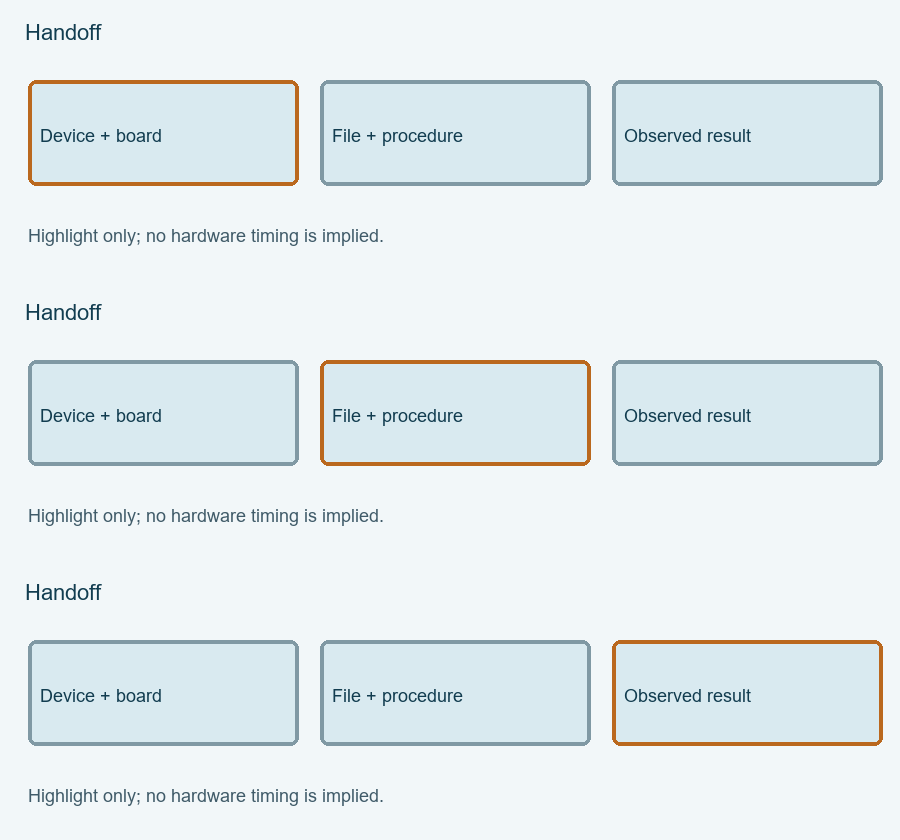
Highlight the three review items
Each highlight marks one item to review, not elapsed hardware time. The static figure contains the same information.
Enable JavaScript for the local Programming-file selector. The article above provides the manual procedure; no data is submitted automatically.
Reference scope checked 15 November 2026. Calculations and conceptual diagrams describe the stated model. Commands and board behavior require validation in the actual tool and board environment.