
Tutorials
Vivado on Linux: USB-JTAG Cable Missing After Driver Installation
Published · Updated
Installing cable drivers does not prove that Linux can see the connected programmer. Start with the earliest observable boundary: does plugging in the intended USB device produce a host-side enumeration event? Separate that question from whether Vivado can open the cable or scan the FPGA.
Is the USB device visible to Linux?


Record the board and programmer model, USB connector used, Linux distribution and Vivado release. On a remote setup, collect these observations on the machine physically attached to the cable. Logs from the client computer do not describe the server's USB connection.
Use the host's available USB listing and kernel-event tools to compare the state before and after connection. Record lack of permission to read a log as an unavailable observation, not as proof that no device appeared. Keep timestamps so that an earlier successful enumeration is not mistaken for the current attempt.
Digilent's troubleshooting guidance distinguishes a missing USB event from a device that appears but cannot be used as expected. In the missing-event branch, check a known data-capable cable and a suitable port before investigating the FPGA design. A charging-only cable cannot be fixed by rebuilding a bitstream.
On a host with these Linux utilities installed, two useful read-only observations are:
lsusb
dmesg --follow
Run the event view before reconnecting the cable and correlate the new event with the device listing. Access to kernel logs may be restricted; ask the host administrator for an authorized capture if needed. Do not turn a permission error into a claim that USB enumeration failed.
| Observation | Next boundary to investigate |
|---|---|
| No new USB event | Physical cable, connector, power and host port |
| USB device listed; cable target missing | Supported programmer identity, driver, user access and ownership |
| Cable target listed; FPGA absent | Board power, JTAG connection and chain |
If the symptom is broader than Linux USB enumeration, locate the missing connection layer before changing drivers.
When the cable appears but the expected FPGA does not, inspect the device chain.
Can this user and tool open the cable?
When Linux does enumerate the device, record its reported identity and which tool is trying to use it. Do not assume that every FTDI-based adapter is a supported Digilent JTAG programmer. Nor does the appearance of a serial port prove that the required JTAG interface is available.
Check the cable-driver procedure for the selected tool release. The manufacturer's support post identifies the Vivado cable-driver installation location, but the installation record should still name the actual release and host. Avoid mixing files from unrelated tool installations simply to make a device appear.
Separate access permissions from device ownership. A user may lack the required access, or another running application may already be using the cable. Coordinate with the operator before stopping software on a shared machine. Preserve what changed during the comparison.
Do not diagnose corrupt EEPROM from an unexplained listing alone. Digilent's recovery guidance has model-specific handling and directs affected users to its support process. A generic EEPROM rewrite can alter another device; it is not a routine next step in this article.
Once the device enumerates, check cable and tool support for the intended programmer.
Return to JTAG only after cable discovery
Once the intended cable target is visible, save that observation and move to the FPGA discovery stage. An empty device chain is a different boundary from a missing USB cable. Board power, connector orientation, reference voltage and the physical chain now become relevant checks.
For a virtual machine, record which machine owns the USB device and whether the intended guest has access. Do not combine the host's enumeration with the guest's tool result as if they came from one operating system. The same distinction applies to a remote hardware server.
Export a short report containing the host release, tool version, exact programmer, USB observation and cable-target result. Keep unknown values visible. The report should identify one next check; it should not claim that a particular driver or FPGA has been proved defective.
If a remote endpoint fails before cable discovery, check the server connection on the cable-owning machine.
Technical references for this scope: Digilent — USB-JTAG Troubleshooting Tips; AMD UG908 2024.1 — Opening a New Hardware Target.
Highlight the three review items
Each highlight marks one item to review, not elapsed hardware time. The static figure contains the same information.
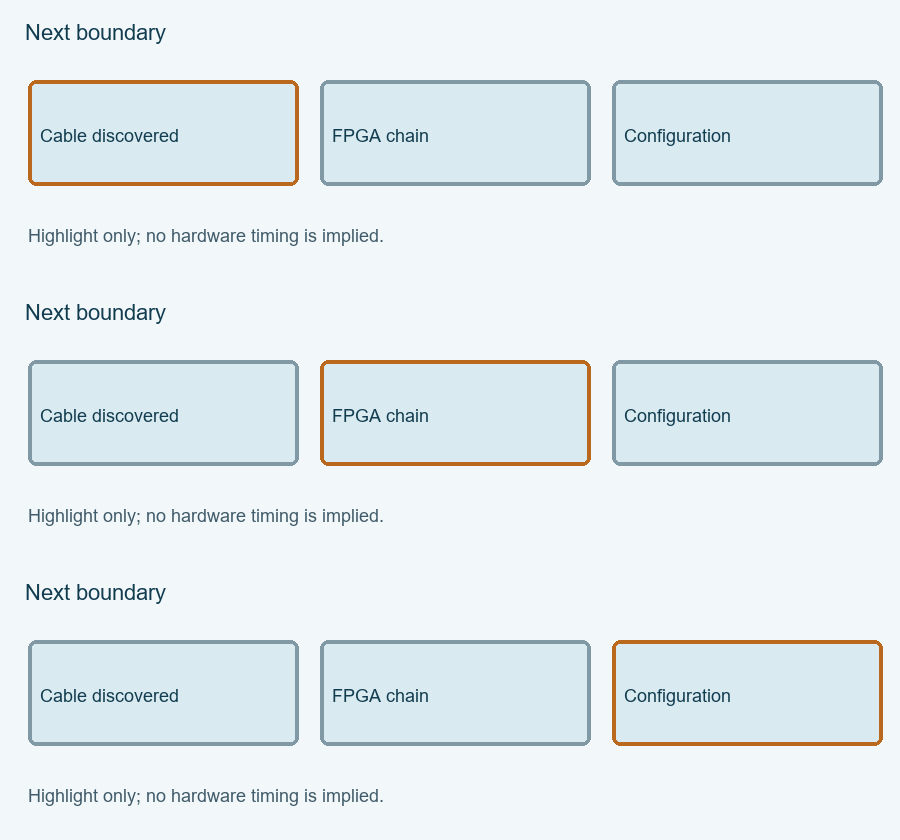
Enable JavaScript for the local Linux cable evidence checklist. The article above provides the manual procedure; no data is submitted automatically.
Review and export your result before opening the engineering discussion entry. Attach the exported text yourself; opening the entry does not submit it.
Reference scope checked 15 November 2026. Calculations and conceptual diagrams describe the stated model. Commands and board behavior require validation in the actual tool and board environment.