
Tutorials
Remote FPGA Programming with Vivado: Set Up a Shared Lab
Published · Updated
A remote programming setup has three identities to keep straight: the engineer's client, the computer owning the programming cable, and the board connected to that cable. Build the lab around those identities before adding a shared queue or automating a job.
Put each component on the correct machine


The cable-owning lab machine runs the hardware server and needs the relevant local cable support. The remote client connects to that server. Installing a driver on the client does not repair a missing USB device on the lab machine.
Use a documented client/server release pair. The cited UG908 2024.1 hardware-target guidance requires the remote hardware server to use the same Vivado version as the connecting client. Record both versions instead of relying on a directory name or an old installation note.
Define the authorized network path. A working remote desktop session is not proof that the intended hardware-server endpoint is reachable. Keep deployment access separate from target discovery and from the eventual programming operation.
Record the chosen Vivado tools release on both client and server.
Give every cable and board an identity
Label the board revision and cable with identifiers that a remote operator can reconcile with software. A rack of identical boards is not safely distinguished by whichever target happens to appear first in a list. Keep a photograph or bench diagram showing which cable reaches which assembly.
Record what remote control actually exists. Can an operator remove and restore target power? Can a failed connection be recovered without someone on site? A network-controlled host does not automatically provide independent control of board power or jumpers.
Keep sensitive hostnames and access details in the lab's controlled record. The public article worksheet should collect a topology and evidence status, not passwords or private credentials.
If a deployed lab already worked and now cannot connect, diagnose an existing server failure.
Define who owns the session
Give one operator ownership of a programming session. Define how it is acquired, how others see it and how it is released. This is a proposed lab operating practice, not a claim that a checkbox creates a hardware lock.
A disconnected client should not automatically mean the board is available. The server may still be running an operation, or the board may be left in a state the next operator cannot infer. Require an explicit state check before reassignment after an interruption.
Record the intended image and the job's acceptance conditions before execution. If an operator hands over midway, the next person needs the last completed stage and current evidence, not just a statement that programming was started.
| Handover event | Required record | Who confirms it |
|---|---|---|
| Session acquired | Board, cable, job and operator identity | Incoming operator |
| Client disappears | Last completed stage and current server/board state | Lab owner |
| Session released | Operation stopped or completed, board state, remaining work | Outgoing operator |
| Target needs a power cycle | Available remote control or named on-site intervention | Lab owner |
During lab acceptance, confirm target discovery from a second authorized client.
Prove the setup can be handed over
Use another authorized client to reproduce the documented connection and find the intended target. Verify the documented release of ownership and the recovery procedure for a dropped session. Record tests that require an on-site operator separately from those completed entirely remotely.
After a permitted programming operation, check the required runtime identity and, where relevant, independent startup. Preserve the distinction between connecting to the server, discovering the board and accepting the application.
Export the lab handover with versions, topology, identities, ownership rules and recovery limitations. An existing server failure belongs in the separate hw_server troubleshooting guide; this page's deliverable is a repeatable deployment and handover record.
For boards that move between stations, define repeatable board access before documenting the handover.
Technical references for this scope: AMD UG908 2024.1 — Opening a New Hardware Target; AMD UG908 2024.1 — Remote hw_server on a Lab Machine.
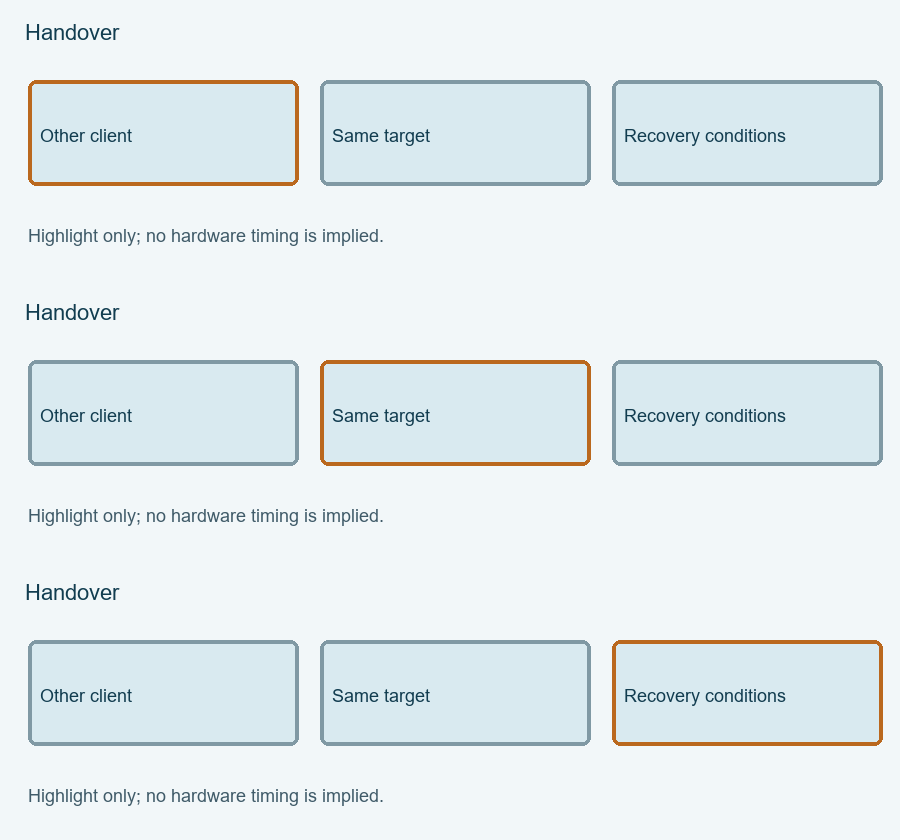
Highlight the three review items
Each highlight marks one item to review, not elapsed hardware time. The static figure contains the same information.
Enable JavaScript for the local Remote lab readiness record. The article above provides the manual procedure; no data is submitted automatically.
Review and export your result before opening the engineering discussion entry. Attach the exported text yourself; opening the entry does not submit it.
Reference scope checked 15 November 2026. Calculations and conceptual diagrams describe the stated model. Commands and board behavior require validation in the actual tool and board environment.