
Tutorials
FPGA PCB Bring-Up Checklist
FPGA.io editorial · AI-assisted preparation and review; not human engineering certification.
Published · Updated
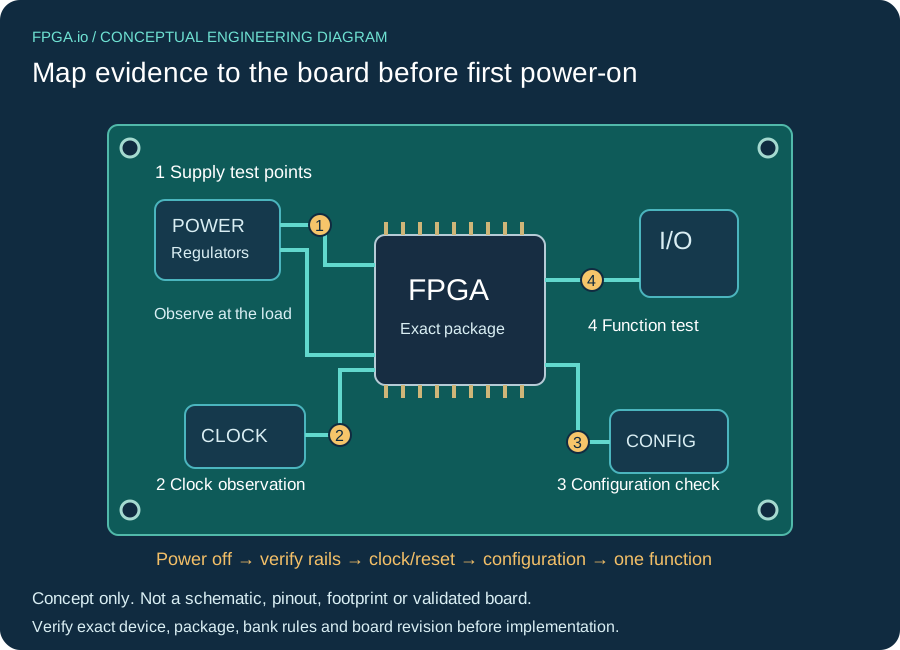
Bring up a new FPGA PCB in five gates: inspect it without power, prove its supplies, establish clocks and resets, confirm configuration, then exercise one function at a time. This checklist helps a hardware engineer turn a schematic, assembly and test plan into a recorded go/no-go decision. It is not a universal voltage recipe or a board qualification certificate.
Have the exact FPGA order code, PCB and assembly revisions, schematic, BOM, stackup, package pinout, regulator data sheets and intended bitstream available. Select limits from the documents for that device, grade and board revision before connecting power. The workflow below is an AI-assisted engineering planning aid; no hardware measurements or human engineering sign-off are claimed.
Original silent teaching animation with English captions. Use fullscreen for small labels. Conceptual only: not a measured test, pinout, footprint or engineering certification.
Read the complete video transcript
01 INSPECT WITHOUT POWER Match board, assembly and BOM revisions. Map rails, connectors and test access. Resolve unexplained faults before power. Start with inspection and a board-specific test plan.
02 PROVE THE POWER PLAN Use exact-device and regulator documents. Choose limits for this board and setup. Record rail behavior; stop on anomalies. No universal voltage or current setting is implied.
03 CLOCK AND RESET Check clock source and electrical level. Separate external and internal evidence. Record the conditions for reset release. Clock and reset behavior need their own observations.
04 CONTROL CONFIGURATION Use the exact target and constraints. Save tool version and image hash. Transfer success is only one checkpoint. Keep configuration evidence separate from full board validation.
05 EXPAND COVERAGE Test one observable function first. Define stimulus and expected response. Preserve failures and coverage gaps. A working output does not validate every interface or BGA joint.
1. Inspect and map the board without power
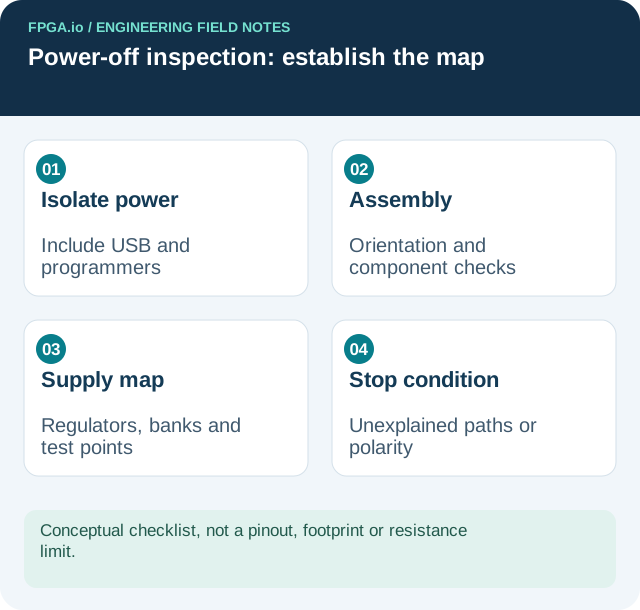
Disconnect the bench supply, programmer, USB, expansion boards and other possible power sources. Check the approved discharge procedure before measuring resistance. Inspect orientation marks, connector polarity, regulator parts, inductor values, missing components and solder bridges against the assembly drawing. A visual check cannot clear hidden BGA joints; record whether assembly inspection or X-ray evidence is available and what it actually covers.
- Trace every supply from its regulator to the FPGA banks and other loads. Note shared rails, enable nets and accessible test points.
- Check resistance to ground and suspicious rail-to-rail paths with a documented meter mode and polarity. Capacitor charging and semiconductor paths affect readings; a low core-rail resistance alone does not prove a short.
- Compare observations with the circuit and, when available, a known-good board of the same revision. Do not invent a universal resistance threshold.
- Match configuration straps, oscillator population and connector orientation to the schematic. Prepare a pin assignment review against the exact package ball map.
Stop: unresolved polarity, incorrect assembly, an unexplained conductive path or uncertain supply routing. Do not use a larger current limit to investigate an unknown short.
2. Apply limited power and prove each rail
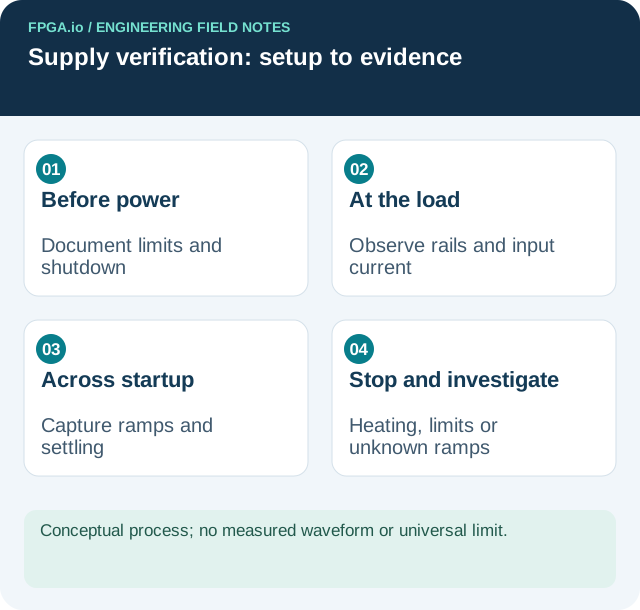
Write the power-on setup before energizing: input voltage, polarity, current-limit rationale, expected startup behavior, shutdown method and connected loads. Derive the limit from regulator startup requirements, input capacitance, FPGA startup demand and expected board load. Too little available current can prevent startup; too much can conceal a fault. There is no one safe current setting for every FPGA board.
For an Artix-7 example, AMD DS181 v1.27.1, Table 2 and the power sequencing section/Table 6 on page 8 distinguish operating limits, sequencing and startup current. Use the matching rows and notes, not a typical quiescent-current value as the entire board budget. Absolute maximum ratings are not operating targets.
Start with the defined minimal assembly state and approved sequencing. Watch input current and rail behavior together. Measure at accessible load-side points, not only the supply terminals. Capture startup ramps, overshoot, settling and power-down; a multimeter reading after startup cannot reveal the entire transition. Include shared bank supplies and any auxiliary or transceiver supplies required by the populated device.
Record probe type, ground connection, bandwidth setting, test-point location and load state. A long ground lead can distort a ripple measurement; a probe can also load a sensitive node. State these limits alongside the capture. AMD UG483 v1.14, Chapter 2 covers power distribution, decoupling and noise measurement; Table 2-2 spans pages 15–16 for Artix-7 device/package examples. It does not replace the regulator’s stability requirements.
Stop: unexpected heating, sustained current limiting, an out-of-limit rail or an unexplained ramp. Remove power, preserve captures and investigate before loading an FPGA image.
3. Establish clocks and reset behavior
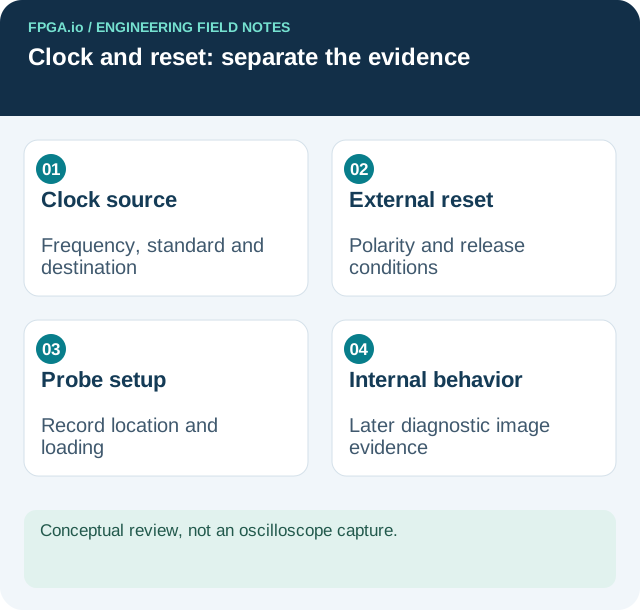
Make a short clock worksheet: source reference, nominal frequency, signal standard, destination pin, supply bank and intended constraint. Check that the populated oscillator and the design agree. Observe a suitable test point with a probe appropriate to the signal; avoid casually probing a crystal resonator node. Record frequency, amplitude and whether the waveform is single-ended or differential.
Map each reset source and polarity. Identify what holds the design in reset and what permits release. Check the supervisor or external reset waveform against supply readiness. Internal reset release and PLL/MMCM lock behavior may need observation through a deliberately instrumented diagnostic image after configuration. Keep external reset evidence separate from that later internal evidence.
Stop: a missing reference clock, wrong electrical level or reset that does not follow its documented conditions. An LED staying dark is not enough to identify which of these failed.
4. Confirm configuration with a controlled image
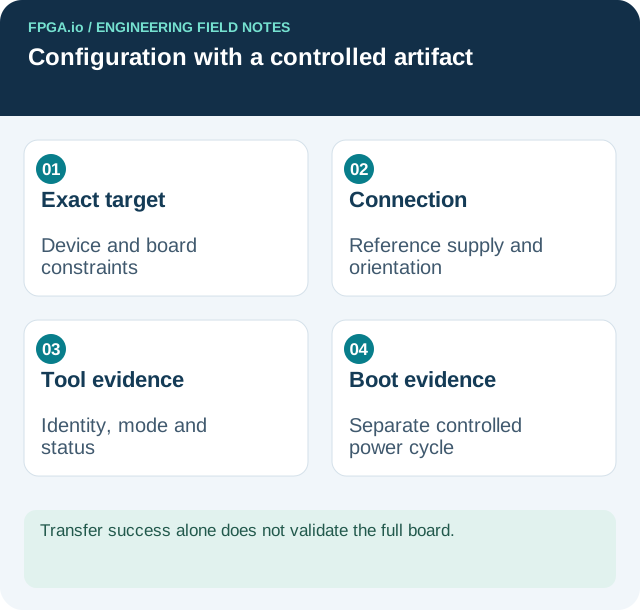
Use an image built for the exact FPGA and this board’s verified constraints. Review unused I/O behavior and keep potentially conflicting external drivers isolated as the circuit permits. Save the tool version, project revision and image hash so a later repeat uses the same artifact.
Check programmer orientation, target reference supply and common ground before connection. Record detected device identity, selected configuration mode, tool result and board status signals. Interpret those signals using the family guide: AMD UG470 v1.17, released December 5, 2023 is the 7-series configuration reference. Other vendors and families need their own configuration guide.
A successful transfer is one checkpoint. Confirm the diagnostic design starts and, if nonvolatile boot is required, separately test a controlled power cycle with the intended boot settings. This checklist deliberately stops short of a JTAG fault encyclopedia. If identity, configuration status or electrical conditions remain unexplained, stop and open a focused configuration investigation with the saved logs.
5. Exercise one function and expand coverage
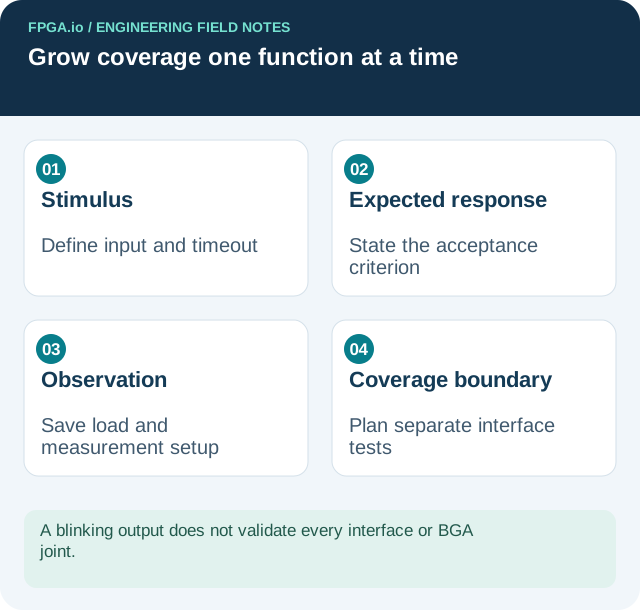
Begin with a small observable function on a reviewed pin, such as a slow counter output connected to an appropriate test load. Then introduce interfaces separately. For each, define stimulus, expected response, timeout, load and observation point before running it. Save failures as well as passes. Recheck supply behavior when switching activity increases.
A blinking output does not validate memory timing, a high-speed link, every BGA joint or thermal performance. Create separate tests for the interfaces the product needs. Document operating conditions and coverage gaps before deciding whether to proceed to broader temperature, load and manufacturing tests.
Two teaching candidates for preparing the worksheet
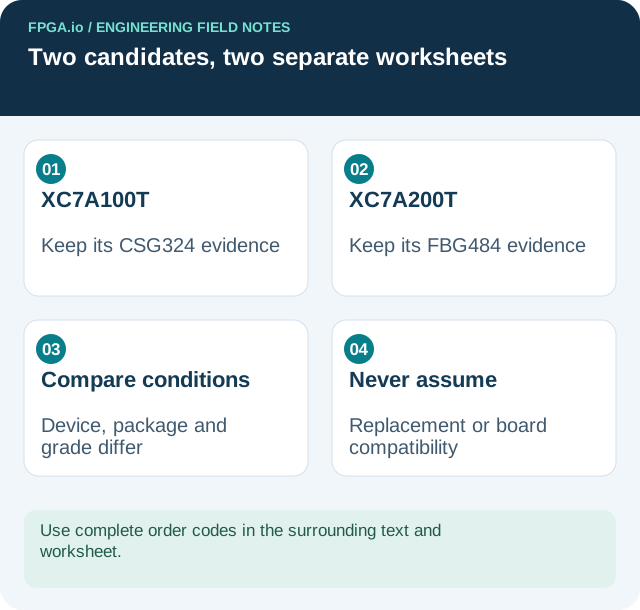
XC7A100T-1CSG324C is a useful candidate for practicing a CSG324 device/package lookup in UG483 Table 2-2. XC7A200T-2FBG484C provides a contrasting XC7A200T/FBG484 row and a different startup-current row in DS181. Keep the complete order codes on separate worksheets. These are teaching candidates, not replacements: package, device and speed grade differ. Recheck pin mapping, electrical limits, tool support and lifecycle for the actual design; neither link asserts stock or suitability.
Keep a reproducible record and choose the next action
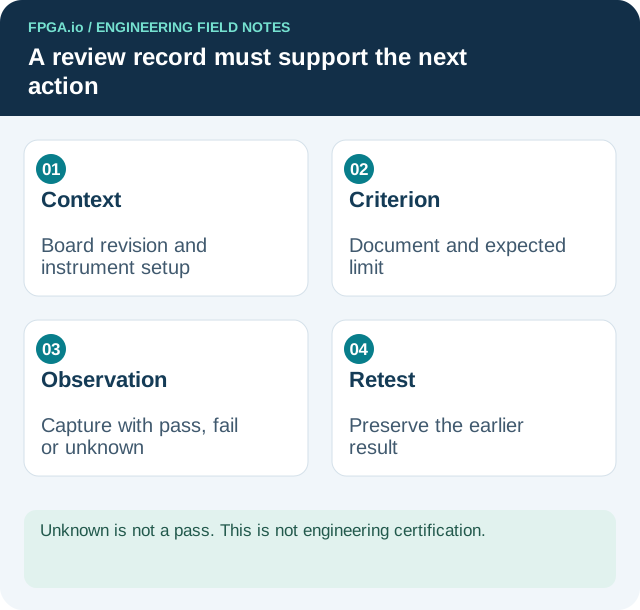
For every gate record board serial/revision, instrument setup, source document/revision, expected criterion, observed result, capture filename and pass/fail/unknown. Unknown is not a pass. Add the exact change made before a retest and retain the earlier result. The output should tell another engineer what can safely be attempted next and what evidence is missing.
- Get I/O and power review worksheets to organize the record. Obtain exact device manuals from the manufacturer or the source links on the device page, and attach their revisions.
- Open engineering tools to organize device and BOM checks; tool output does not replace measurements.
- Prepare a PCB assembly and bring-up review with BOM, schematic, PCB stackup, assembly revision and test requirements, plus observed failures and captures. These inputs define the review scope; this article does not submit an inquiry.