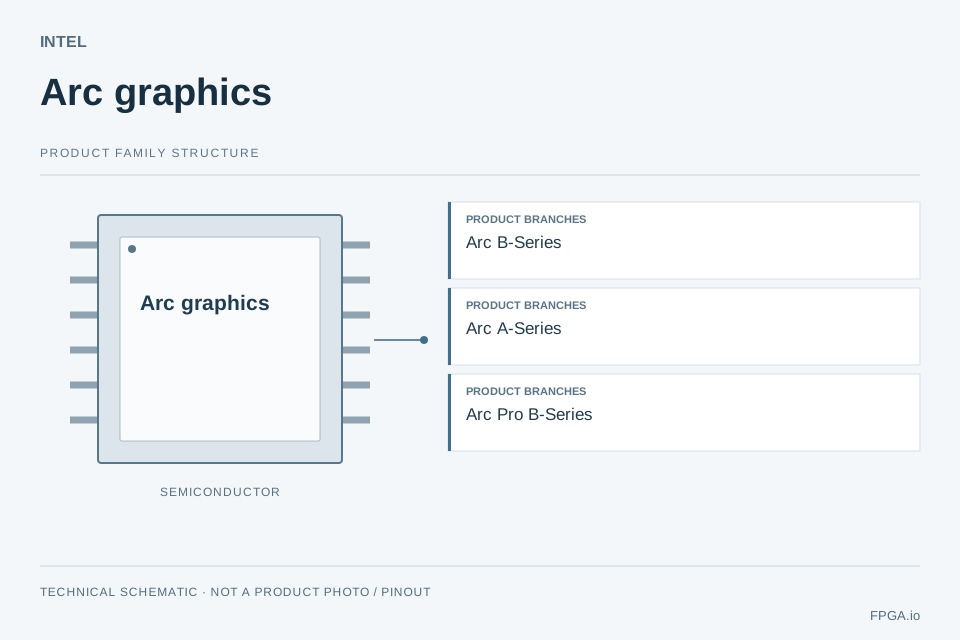
Technical schematicFPGA.io technical schematic for Arc graphics. Product branches are shown as a navigation overview. This is an abstract diagram, not a product photograph, package drawing or pinout. Technical reference ↗
Product scopeChips & IP
Device references in this category1
Documented ordering codes0
Information checked2026-09-28
FROM FAMILY TO DEVICE
Chip models in Arc graphics
Documented device references
Base-device names are distinct from full ordering numbers. Each detail page identifies the product type, parameter scope and official source.
Use the requirements below to decide which specification limits your design. A family name alone is not a purchasing specification.
Check the integration boundary
Choose the complete device and ordering code before checking package pinout, power, electrical limits and operating grade. Keep family maxima separate from a selected device or package.
Use these checks to define the requirement. Family names alone do not establish performance, package compatibility or current availability.
Verify the required graphics and compute APIs.
Check platform firmware, driver and board-power requirements.
Move from family to full ordering number
Identify the complete manufacturer part number, package, operating grade and electrical requirements. Reviewed FPGA specifications can then be compared at device level.
Review supported model formats, devices and deployment instructions.
These broader manufacturer resources do not establish support or compatibility for every device on this page.
PRACTICAL QUESTIONS
Arc graphics selection questions
How do I select a model within Arc graphics?
Start with the documented product scope: Intel discrete graphics product family. Then compare the device-specific facts below with your required resources and interfaces. Open each model for its evidence and ordering constraints.
Is a base-device name enough to place an order?
A base-device identifier identifies the silicon or model, but may omit package, speed, temperature, qualification and packing options. Use the manufacturer ordering table to establish the complete code. Reference examples do not establish stock or an approved replacement.
Can the listed devices use the same PCB or development tools?
A shared family or manufacturer does not establish pin compatibility. Compare pinout, supply and I/O-bank voltages, configuration, timing, tool support and thermal limits before changing a board.
What should I include for sourcing or PCBA review?
Provide the exact part or board revision, quantity, delivery requirement, operating environment and traceability needs. For assembly, identify BOM readiness, PCB stack-up, programming access and the inspection or functional-test scope.
PREPARE A USEFUL INQUIRY
Build your selection brief.
Select the points you want our team to review. Your selections stay in this browser until you choose to submit the quotation form.