
Identify your hardware
Record kit ordering code, PCB revision and fitted device. Obtain the matching user guide, schematic and bill of supplied accessories.
STMicroelectronics / Boards & kits
Development-board family with onboard STLINK debug and expansion connections.
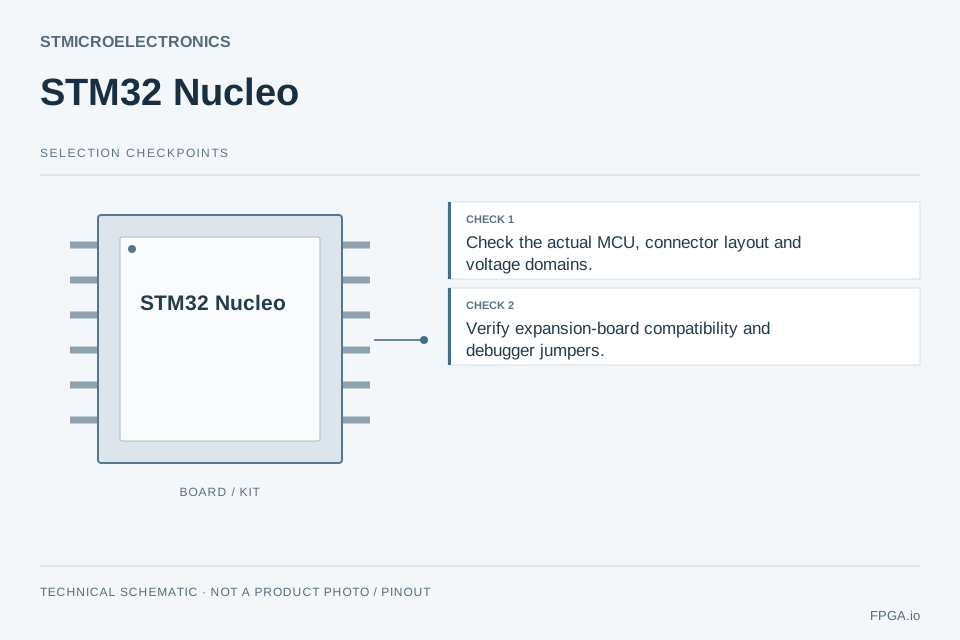
Evaluation hardware: identify the kit code and board revision, then verify fitted devices, connector voltages, power and supplied accessories.
EVALUATION & INTEGRATION
Record kit ordering code, PCB revision and fitted device. Obtain the matching user guide, schematic and bill of supplied accessories.
Confirm supply polarity/rating, jumper settings, connector voltages and boot mode from the board guide. Disconnect unverified peripherals.
Run the documented example with its specified tool release. Save the configuration, logs and observed result before changing interfaces or firmware.
Open the applicable documents ↓ · Prepare an engineering question →
This is a review workflow, not a claim that FPGA.io has tested this release or board. Record your exact revision and acceptance result.
ENGINEERING DECISIONS
Record the exact revision and resolve these requirements against its documentation.
EVIDENCE & DEVELOPMENT
Start with the exact product or release documentation, then check the supported devices, interfaces, licences and revision requirements.
Select a board against its MCU and expansion connections.
Find development software and supporting documentation.
Check configuration and code-generation support.
These broader manufacturer resources do not establish support or compatibility for every device on this page.
PRACTICAL QUESTIONS
Use the exact product name and revision, together with the target device and intended workflow. Development-board family with onboard STLINK debug and expansion connections.
Use the manufacturer support matrix, release notes or board documentation for the exact revision. Record the exact target device and version; a shared manufacturer alone does not prove compatibility.
Confirm the board or module revision, fitted device, carrier interface, supply, cooling, connectors, accessories and reference software.
Describe the application, exact product or revision, target hardware, quantities and delivery requirements. State which components, board manufacturing, programming and test work you need reviewed.
PREPARE A USEFUL INQUIRY
Select the points you want our team to review. Your selections stay in this browser until you choose to submit the quotation form.
Open quotation form →STMicroelectronics STM32 Nucleo reference ↗
Source review: 2026-09-28. This family guide does not assert stock or compatibility between devices.
← Complete STMicroelectronics product map